AI face matching
One selfie. Every photo you're in.
Face recognition for event photos is how Matcha Photo sorts the night by guest. Instead of a sea of files, everyone takes one selfie and gets a personal gallery of the photos they appear in. Simple, fast and private.
No app. No passwords. Straight to their phone.




Dana & Or
Your 42 photos



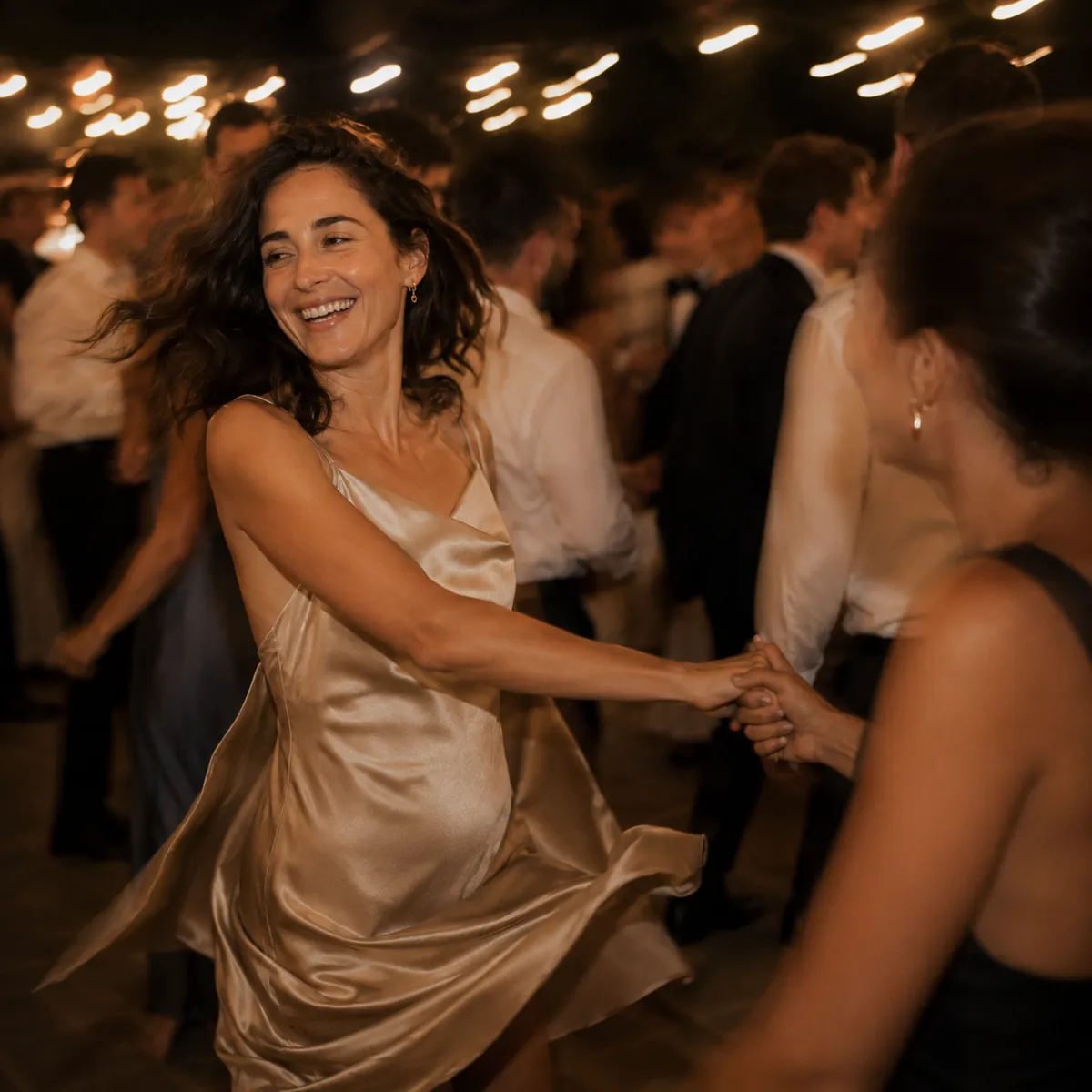
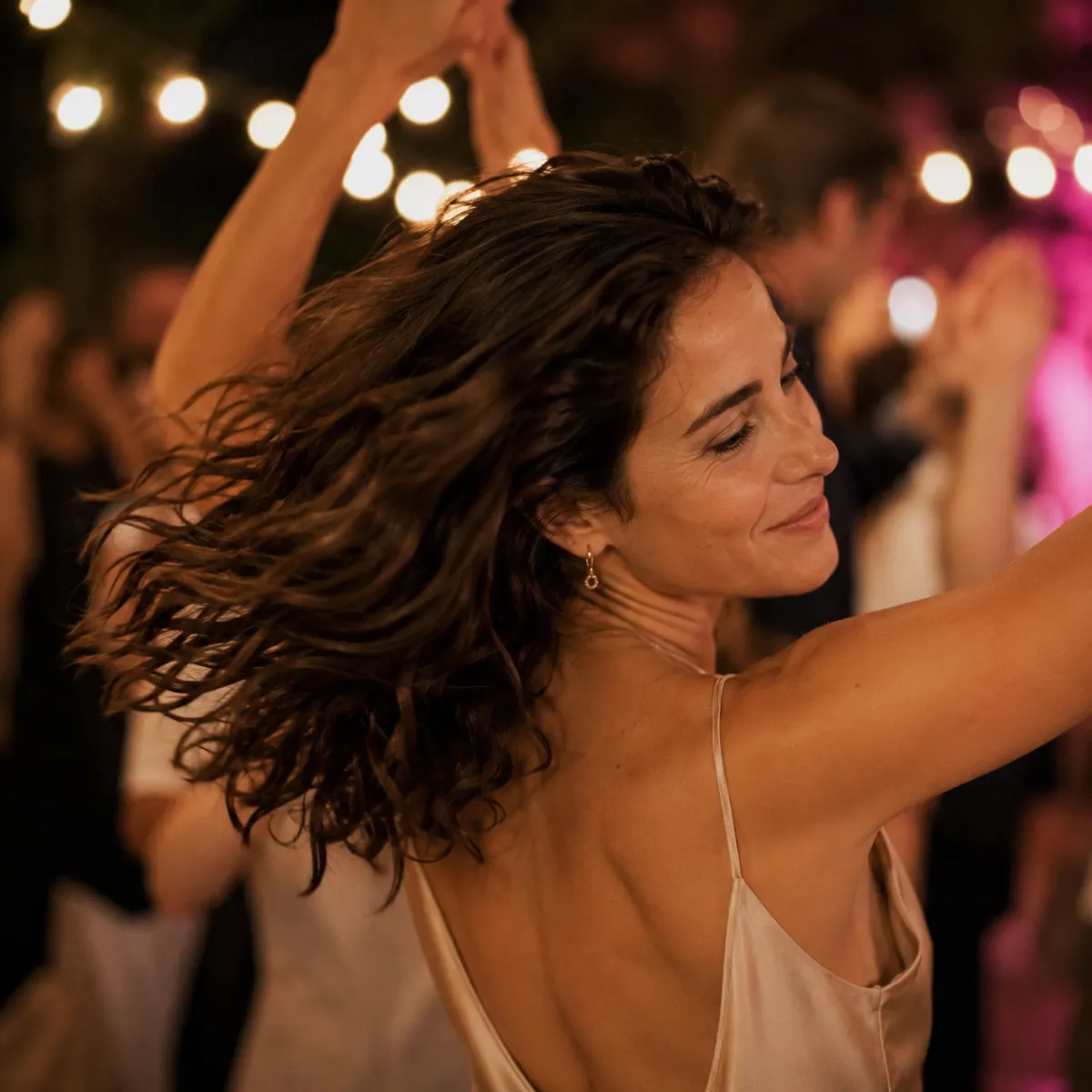


One quick selfie
No app · No password
What face recognition for event photos means, in plain language
An event has thousands of photos, and each guest appears in only a small fraction of them. Face recognition is how you know, automatically, which photos each guest is in, without someone sitting down and sorting them by hand.
The guest takes one selfie, and the system uses it like a key to find their photos. That's it. No manual tagging, no guest list, and no app needed.
How it works
Three steps to a personal gallery






One quick selfie
No app · No password
The guest takes one selfie
From the phone's browser, with no app and no password. One quick selfie is all it takes.
The system matches photos
Matcha compares the selfie with the photos from the event and identifies which photos the guest appears in.
A personal gallery is built
The guest gets a private gallery with only their photos, without scrolling through photos of everyone else.
Privacy first
What happens to the selfie, and who sees what
The selfie is never shown to other guests
The selfie is used only for matching. It never appears in anyone else's gallery or in the shared album.
A private gallery for every guest
Each guest sees only their own photos, through a personal link. No public database, no open search.
No app and no account
Everything happens in the browser. No download, no complicated sign-up, and no passwords to remember.
The full explanation is in the privacy policy. The answers here are a general explanation; the binding documents are the privacy policy and the terms of service.
Frequently asked questions
Questions about face recognition in photos
Didn't find your answer? Send us your event type and date, and we'll get back to you with a straight answer.
How does Matcha face matching work?
The guest takes one selfie in the browser. Matcha compares it with the photos uploaded by the photographer and the guests, identifies which photos the guest appears in, and builds a personal gallery with only their photos. All without an app.
What happens to my selfie after the event?
The selfie is used only to match photos to that guest at that event. It is not shown to other guests and is not meant for publication. You can request deletion of your data in line with the privacy policy.
Is face matching always accurate?
In most cases the matching is very accurate, but no recognition system is perfect. Lighting, angle or makeup can affect it, which is why there is also a shared album where you can see all the event photos, not just your personal matches.
Do guests need to install anything?
No. Face matching works in the phone's browser through a QR code or link. There is no app to download and no account needed.
Why does it help after a wedding or event?
Instead of thousands of photos sitting with the photographer or scattered across group chats, every guest automatically gets the photos they appear in. It saves manual searching and makes sure everyone gets their best moments.
Every guest gets their own photos, without you chasing anyone.
Matcha works alongside your photographer, straight from the phone's browser, with no app and no passwords.