Collect photos from guests
Every photo your guests took, in one place.
Some of the best moments happen while the photographer is across the room, but a guest was right there. Matcha Photo lets you collect photos from guests in one place, so the best shots don't stay stuck on people's phones.
No app. No passwords. Straight to their phone.



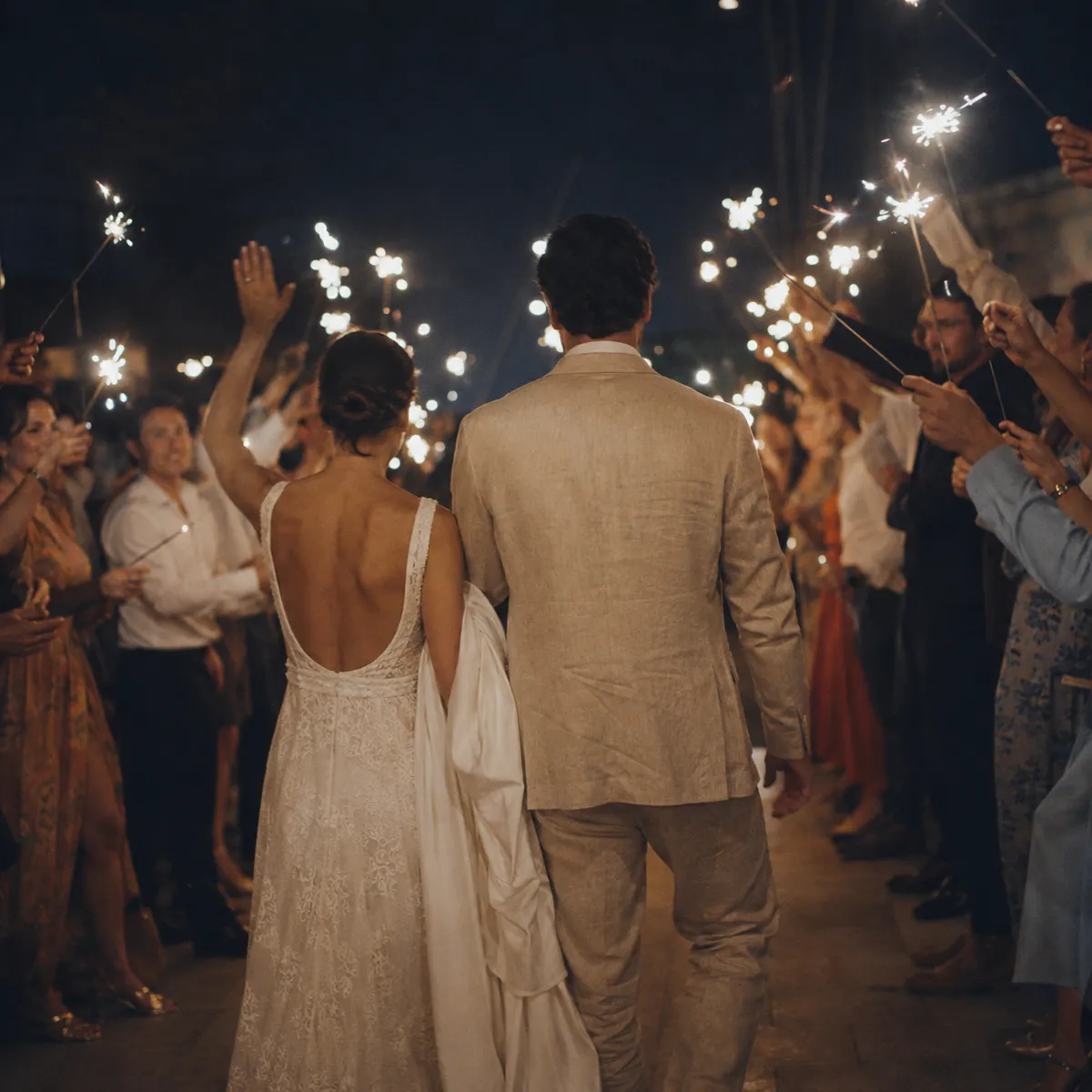

Event album · 312 photos







How it works
Three steps, no app















A QR code or link at the event
Put a QR code on the tables or send a link. Guests open it in their phone's browser, with no download and no sign-up.
Guests upload photos
Every guest uploads the photos they took during the night. The moments the photographer missed finally end up in one place.
Everything comes together in one album
The photos come together in an organized shared album of the event, and you can also show them on a screen in real time.
Everyone takes photos, but the photos disappear
At every event, guests' phones capture hundreds of photos, but they're scattered across dozens of different devices. Nobody collects them, and most simply fade away in someone's camera roll, somewhere between a screenshot and a photo of lunch.
When you give guests a simple way to upload photos to one place, many people's angles come together into a complete picture of the night, in one beautiful, organized album.
What you get
Simple for guests, organized for the team
One simple action for guests
Guests scan and upload, and that's it. No groups, no sending files around, and no chasing anyone for photos after the event.
An organized shared album
Guests' photos come together in one beautiful album of the event, instead of dozens of separate groups and phones.
A live screen on the dance floor
You can show the photos on a screen in real time, so guests watch the night come together in front of them.
Works with the photographer's photos
Guest photos complement the photographer's work. Together you get a fuller picture of the event, from every angle.
No app
Everything happens in the phone's browser. Nothing to download and no account to open, so older guests take part easily too.
You control what stays
The hosts and the team manage the album and can hide or remove any photo at any time. Control stays with you.
When it works best
Weddings and family events
Collect the moments from the tables and the dance floor that the photographer missed.
Festivals and parties
Lots of people shooting all the time, and all the photos come together in one place.
Corporate events
An organized shared album and a live screen, without chasing photos after the event.
Frequently asked questions
Questions about collecting guest photos
Didn't find your answer? Send us your event type and date, and we'll get back to you with a straight answer.
Do guests need an app to upload photos?
No. Guests open a QR code or link in their phone's browser and upload from there. There is no app to download and no account or password needed.
Does this replace the event photographer?
No. Collecting photos from guests complements the photographer's work, it doesn't replace it. The photographer brings the professional photos, and guests add the spontaneous moments the photographer wasn't there for.
How do guests get to the photos afterwards?
The photos are available in the event's shared album, and at events with personal galleries every guest also gets the photos they appear in, through a personal link.
Every guest gets their own photos, without you chasing anyone.
Matcha works alongside your photographer, straight from the phone's browser, with no app and no passwords.